You press Start and nothing happens. The display is blank, frozen, or acting like your dishwasher straight-up forgot you exist, and you've got a pile of dirty dishes staring you down.

What's Actually Going On
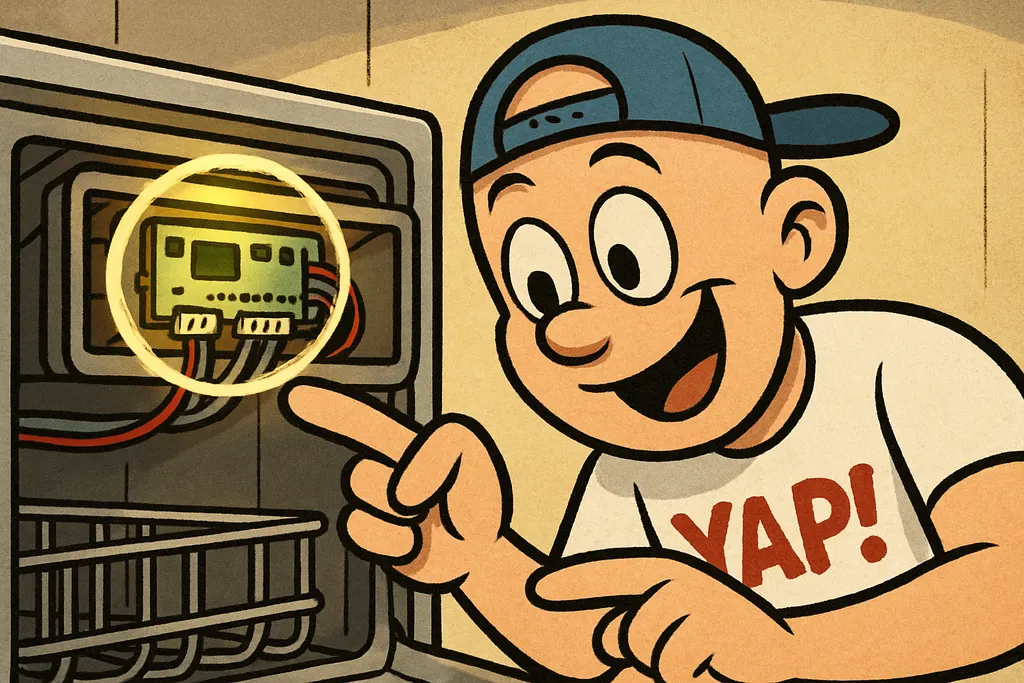
When your Maytag dishwasher control panel not working is the complaint, a lot of people jump straight to "the control panel itself is bad." And yeah, sometimes the touchpad membrane does fail, but way more often, the real villain is the electronic control board sitting behind the panel. This board is the brain of the whole operation. It reads your button inputs, manages the wash cycles, controls water fill and drain timing, and talks to every sensor in the machine. When it goes south, the whole interface goes dark or locks up, and no amount of button-mashing is going to fix it.
So how do you know it's the board and not just a dead touchpad? Here's the tell: if some buttons on the panel still work (or work inconsistently) but others don't, that's more likely a failed touchpad ribbon or membrane. But if the display is completely blank or frozen and zero buttons are getting any response at all, the dishwasher not starting points almost certainly to the control board. The board isn't receiving power correctly, isn't processing inputs, or has fried logic circuits, and at that point, it needs to come out.
One more thing to check before you go replacing anything: do a hard reset. Flip the breaker off for 60 seconds, then flip it back. If the dishwasher wakes up and goes back to weird behavior within a cycle or two, that actually confirms a failing Maytag control board, it's throwing errors it can't recover from on its own. A healthy board shouldn't need a reboot every other Tuesday.
The Fix
Here's how to handle this repair yourself. It's genuinely one of the more approachable control board swaps out there, no special tools, just patience.
- Cut the power. Flip the breaker or unplug the unit. Non-negotiable.
- Remove the inner door panel. Open the door fully, unscrew the inner panel screws along the door edge, and carefully separate the outer door from the inner liner.
- Locate the control board. It's mounted behind the control panel at the top of the door, you'll see the wiring harnesses plugged into it.
- Photograph your wiring before you disconnect anything. Seriously, do this. Future-you will thank present-you.
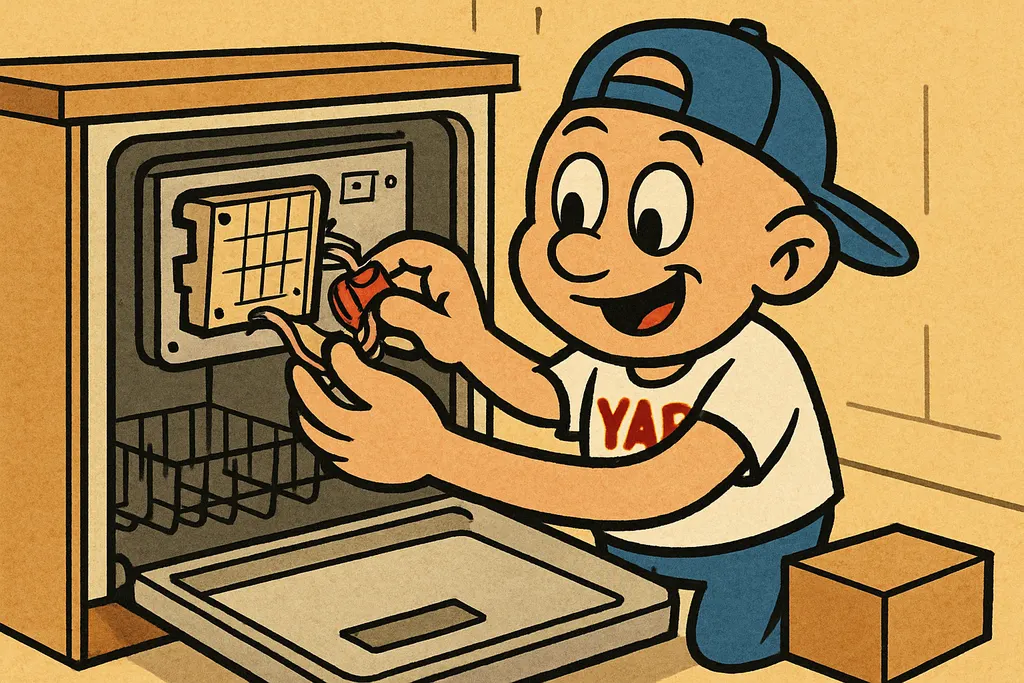
- Disconnect the wiring harnesses and unmount the board from its bracket.
- Install part W10084141**, the replacement electronic control board. Plug your harnesses back in, reassemble the door panels, and restore power.
- Run a test cycle and make sure the display lights up and buttons respond correctly.
The part is in stock at our Piedmont shop. Call us at 405-876-8100 and we'll confirm availability and current pricing before you make the drive.
When to Call YAP vs. DIY
DIY this one if: You're comfortable with basic disassembly, can keep your screws organized, and took that photo of the wiring harness like we told you to. This is a real, doable repair that'll save you a significant chunk over a service call or new machine.
Call YAP if: You did the hard reset and you're still not sure whether it's the touchpad or the board, swing by or text us and we'll help you diagnose before you spend a dime on the wrong part.
Look, a blank Maytag dishwasher panel doesn't mean the whole machine is toast. Nine times out of ten it's the Maytag control board, W10084141 is the part that fixes it, and we've got it here. Swing by the Piedmont shop or text 405-876-8100 and we'll get you squared away.

Part #W10084141, Electronic Control Board
Text us the part number and your model #, and we'll check stock + price for pickup at the counter in Piedmont. No call centers, no hold music.
Text to order →