Your LG dryer is flashing D80 and your clothes are coming out damp. Bro, before you go buying parts you don't need, let's figure out what's actually going on.
What's Actually Going On
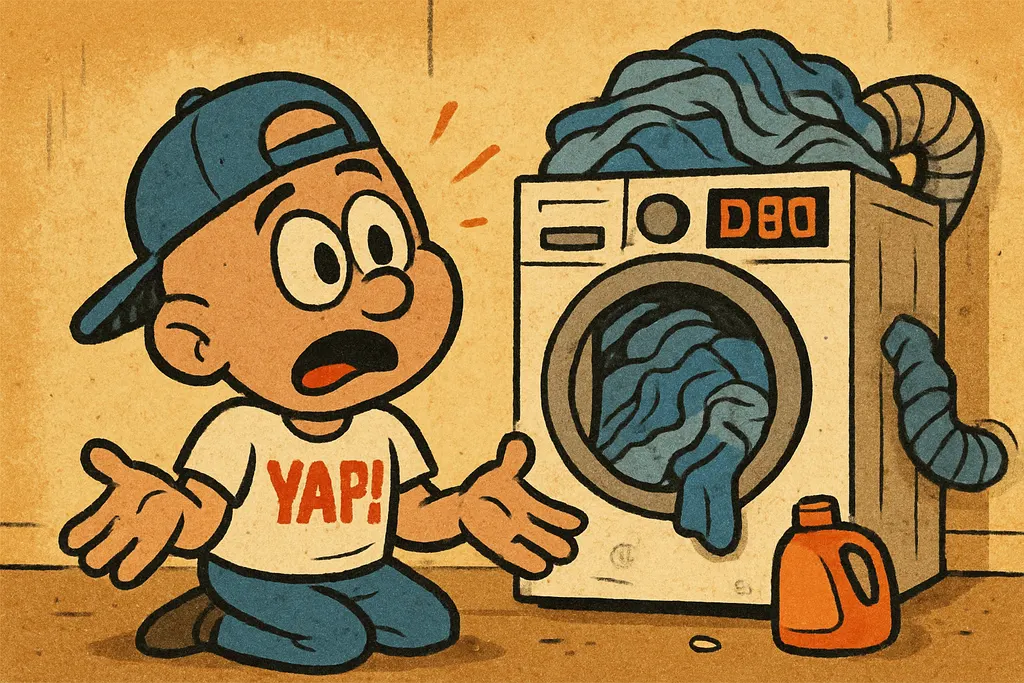
The D80 error on an LG dryer is a Flow Sense warning. LG's way of telling you airflow through the exhaust system is down to about 80% of what it should be. The dryer isn't just being dramatic. Restricted airflow causes heat to build up inside the drum, and when the internal temperature climbs too high, the thermal safety systems kick in and shut down the heating cycle. That's why you're getting LG dryer no heat symptoms even though nothing is "broken" yet.
Here's the deal: D80 almost always starts with a vent blockage, not a failed heating element. Lint buildup, a crushed duct behind the dryer, a bird's nest in the exterior vent cap, any of these will trip the Flow Sense system fast. Before you diagnose anything else, you have to rule out the vent completely. Pull the dryer away from the wall, disconnect the exhaust duct, and run a cycle. If the D80 clears and the dryer heats normally, congratulations, you've got a vent problem, not a parts problem.
But if you've cleaned the vent thoroughly, confirmed the duct is unobstructed all the way to the outside, and the dryer still won't heat or keeps throwing the LG dryer D80 error, now we're talking about components. At that point the heating element is the primary suspect, followed by the thermal fuse. The heating element on LG dryers is a coiled resistance element inside the heating assembly, when it burns out, you get no heat at all, vent blockage or not.
The Fix
Work through this in order. Don't skip steps.
- Clean the vent first. Disconnect the exhaust duct at the back of the dryer. Use a dryer vent cleaning brush kit to clear lint from the duct, the wall cavity, and the exterior vent cap. Reconnect everything snugly.
- Run a test cycle. Put a load in, run it on high heat, and watch for the D80 warning. If it's gone, stop here, your dryer is fine.
- Check the duct itself. Flexible foil or plastic accordion ducts crush easily behind the machine. Replace any damaged duct with rigid metal duct if you can. Seriously, rigid metal is the move.
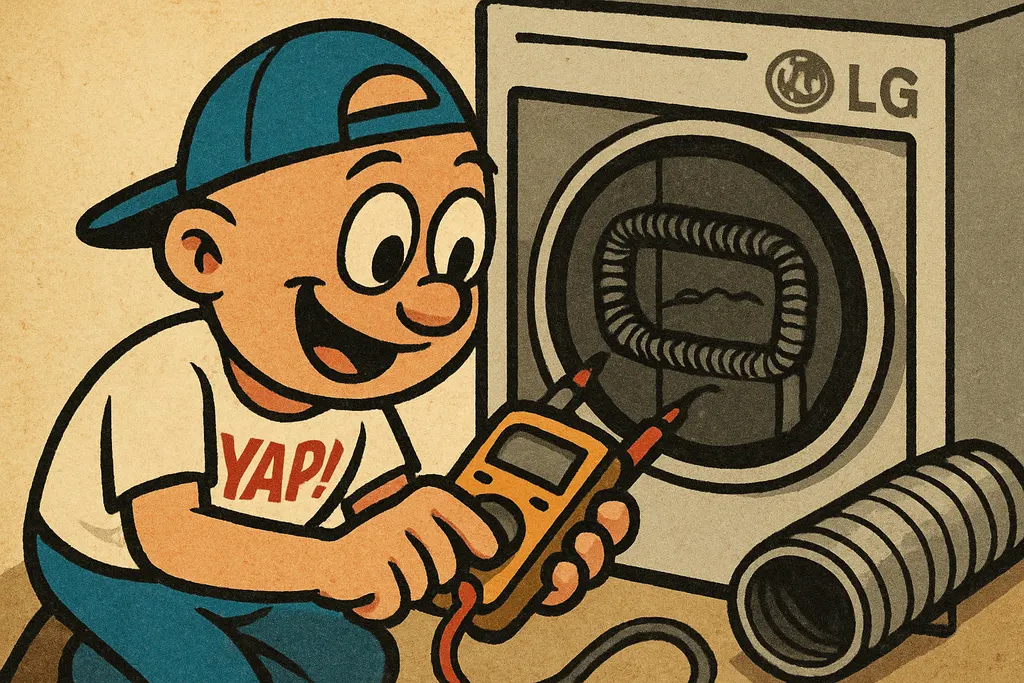
- Test the heating element. If the vent is clear and you're still getting LG dryer no heat, pull the back panel off the dryer. Locate the heating element assembly, it'll be a large metal canister with a coiled wire element inside. Use a multimeter set to continuity. A good element will beep; a burnt-out one will give you nothing.
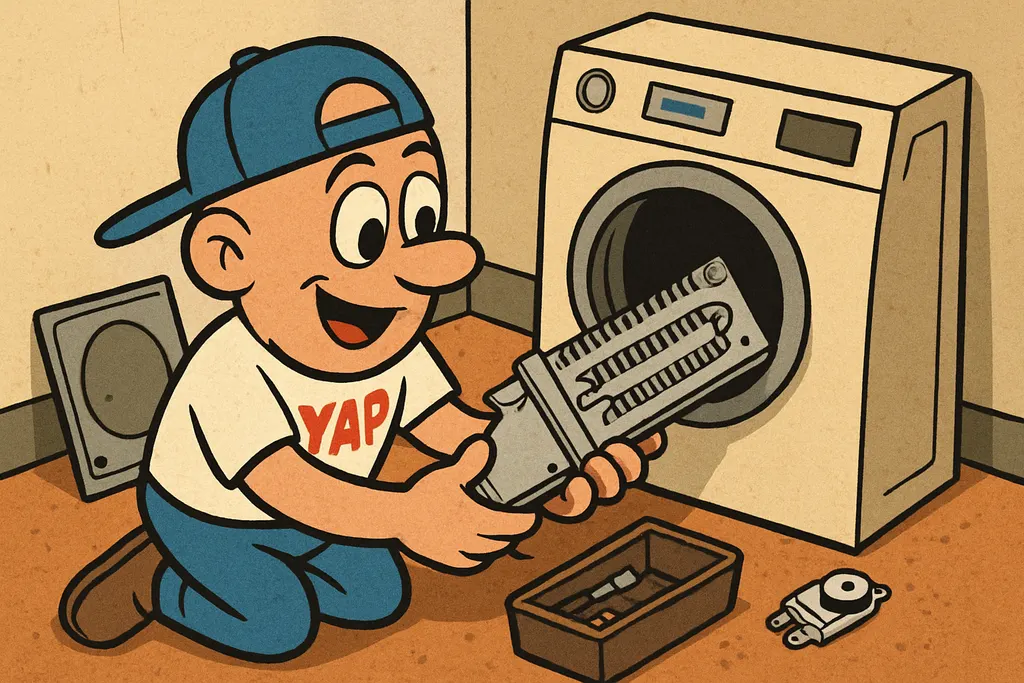
- Replace the heating element if it fails the test. The generic heating element for most LG electric dryers runs in the $30, $55 range depending on your specific model. Bring your model number to us and we'll pull the right one.
- Check the thermal fuse while you're in there. It's a one-time safety device mounted near the heating assembly. Test it for continuity too. If it's blown, replace it, they're cheap and if the element fried, there's a good chance the fuse went with it.
When to Call YAP vs DIY
DIY this one if: you're comfortable pulling an appliance away from the wall, using a multimeter, and removing a back panel with a screwdriver. The LG dryer heating element swap is genuinely one of the easier appliance repairs out there.
Call YAP if: you've cleaned the vent, tested the element, and you're still lost, or you just want someone to hand you the exact right part without the guesswork. That's literally what we're here for.
Swing by the shop in Piedmont or text us at 405-876-8100, give us your LG model number and we'll have the heating element pulled and ready before you walk in the door.
Find your exact part.
Tell us your model number and what's broken, we'll match the OEM part, price, and availability in under 5 minutes.
Find My Part →