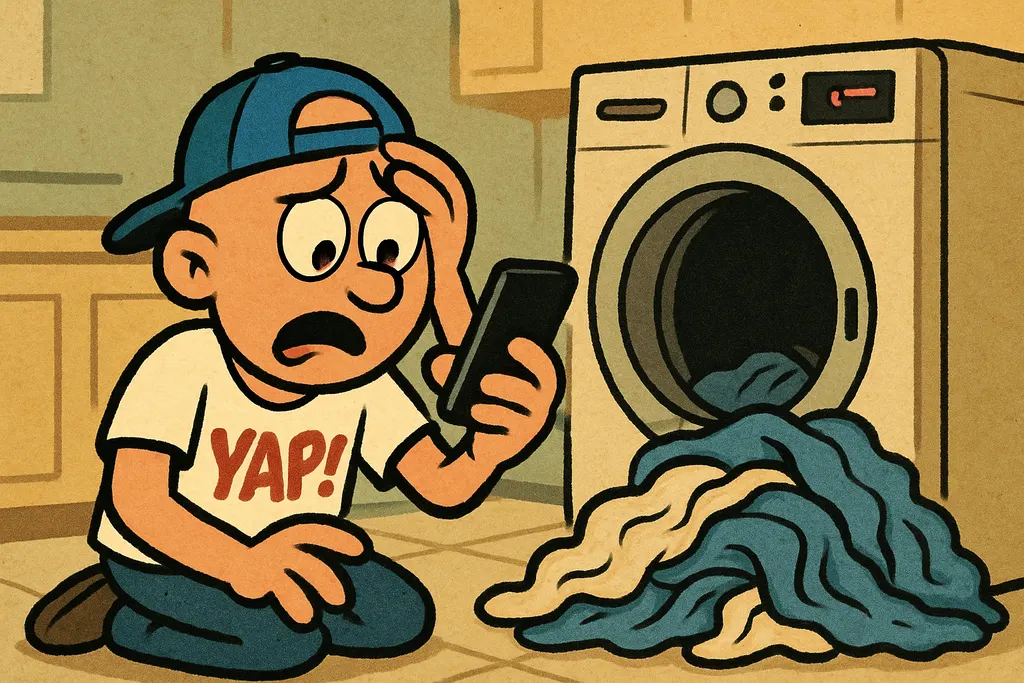
Your Maytag dishwasher is just sitting there, full of dirty dishes, totally ignoring you, and not a single button on the panel does anything useful.

What's Actually Going On
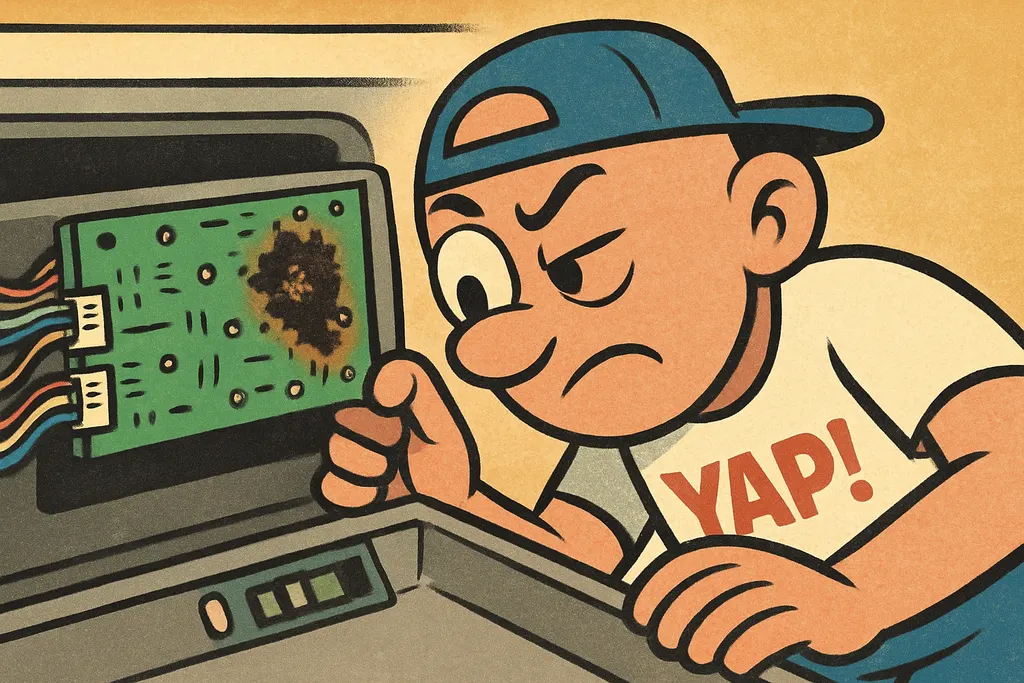
When your Maytag dishwasher won't start, buttons are unresponsive, or cycles just randomly quit halfway through, the first place to look is the electronic control board. This is the brain of the whole operation, it reads your button inputs, talks to the door latch, tells the pump when to run, and manages every stage of the wash cycle. When it goes bad, the whole machine basically goes dumb. Nothing responds, nothing happens, or it just gives up mid-cycle like it's having an existential crisis.
Maytag dishwasher control board failure usually shows up in one of a few ways. Sometimes the display goes dark completely. Sometimes the lights flash in weird patterns. Sometimes it starts a cycle and then just... stops. Maybe you hear a buzz and then silence. These symptoms all point to the same suspect: the control board has lost the ability to send or receive signals reliably.
Now, before you go swapping parts, do a quick sanity check. Make sure the door latch is actually engaging, a bad latch can mimic a dead board because it prevents the cycle from even initializing. Also check that the unit has power and that the thermal fuse hasn't blown (a blown fuse will also kill everything). If those check out and you're still getting nothing, you're almost definitely looking at a Maytag dishwasher control board replacement.
The Fix
Replacing the electronic control board on a Maytag dishwasher is honestly one of the more DIY-friendly repairs on this machine. Here's how to knock it out:
- Disconnect power. Unplug the dishwasher or flip the breaker. Non-negotiable, you're working near electronics and water hookups.
- Open the door and remove the inner door panel. Usually 6-8 screws around the perimeter. Keep them in a cup so you don't lose them.
- Locate the control board. It's mounted behind the control panel at the top of the door, tucked inside the door assembly.
- Photograph your wire harness connections before touching anything. Seriously, just do it, it takes three seconds and saves you from a nightmare.
- Disconnect the wire harnesses from the old board. They're usually tabbed connectors, press the tab, pull straight out.
- Unscrew the old board from its mounting bracket and pull it free.
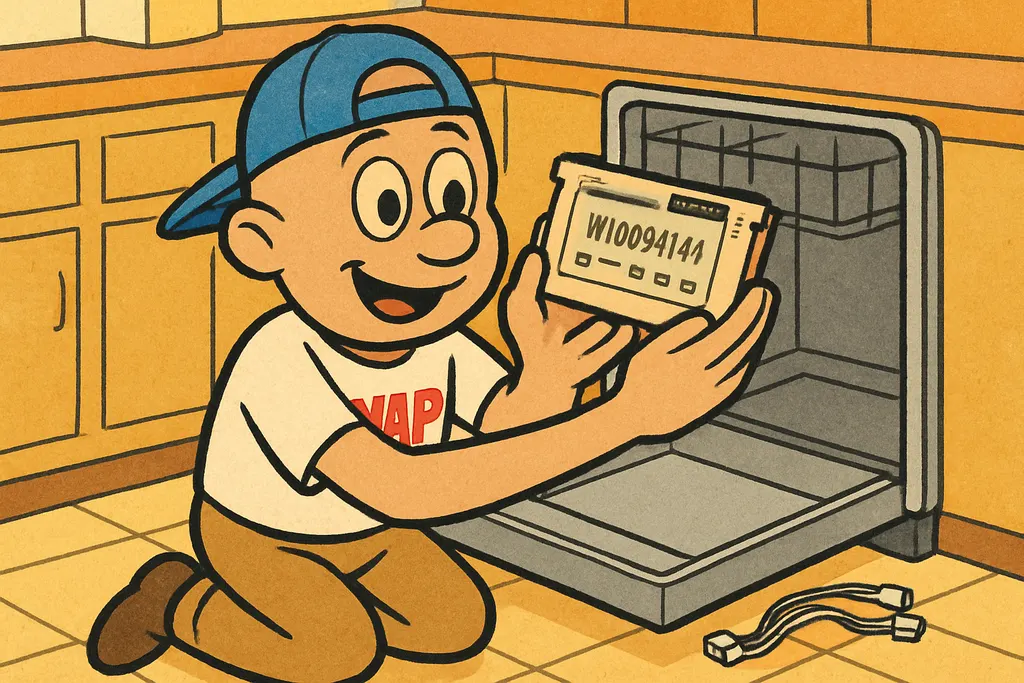
- Install the new board, part number W10084141**, by reversing the steps. Plug in your harnesses (match your photo), secure the board, reassemble the door panel.
- Restore power and run a test cycle. If the buttons respond and the cycle runs clean, you're done.
The part W10084141 fits a solid range of Maytag dishwasher models, and we stock it right here at the Piedmont shop. Stop in or call 405-876-8100 and we'll confirm fitment before you drive over.
When to Call YAP vs. DIY
DIY it: If you're comfortable with a screwdriver and following steps, this repair is absolutely in your wheelhouse. The board swaps out without any special tools and you don't have to mess with the plumbing at all.
Call YAP: If you've already replaced the control board and the machine still won't cooperate, something deeper is going on, door latch assembly, wiring harness damage, or a control panel overlay that needs to go with the board. That's when you want a second set of eyes. Hit us at 405-876-8100 and we'll help you figure out what's actually wrong before you throw more parts at it.
Don't let a sink full of crusty dishes beat you, swing by the Piedmont shop, grab part W10084141, and get that Maytag back in action today.

Part #W10084141, Electronic Control Board
Text us the part number and your model #, and we'll check stock + price for pickup at the counter in Piedmont. No call centers, no hold music.
Text to order →