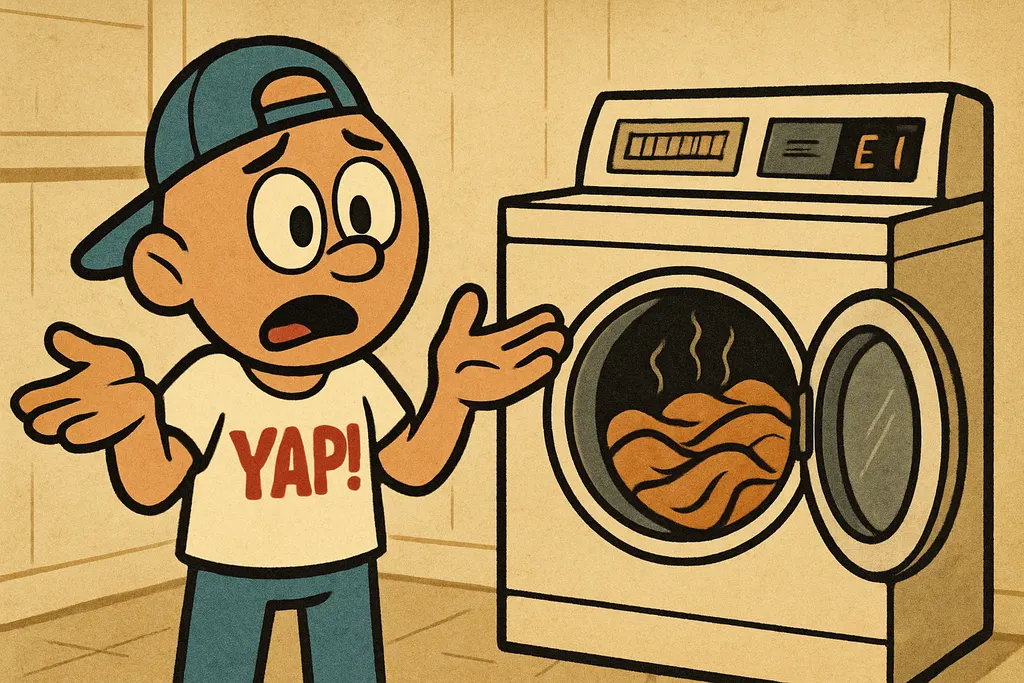
Your Samsung dryer is just sitting there doing absolutely nothing, or worse, running a full cycle and handing you a pile of cold, damp clothes like it did you a favor.
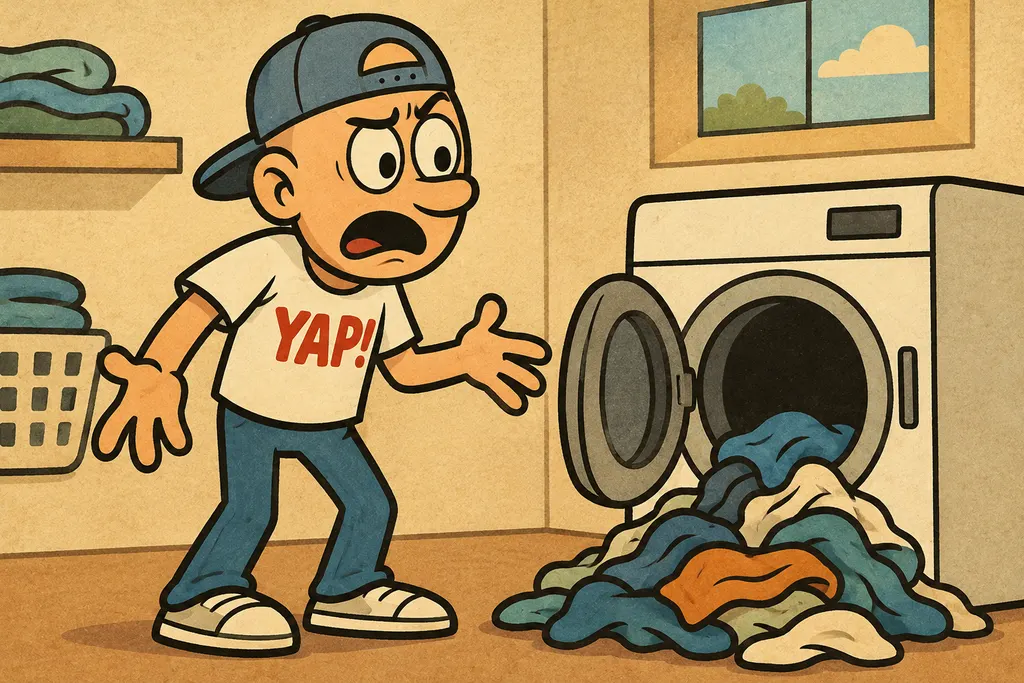
What's Actually Going On
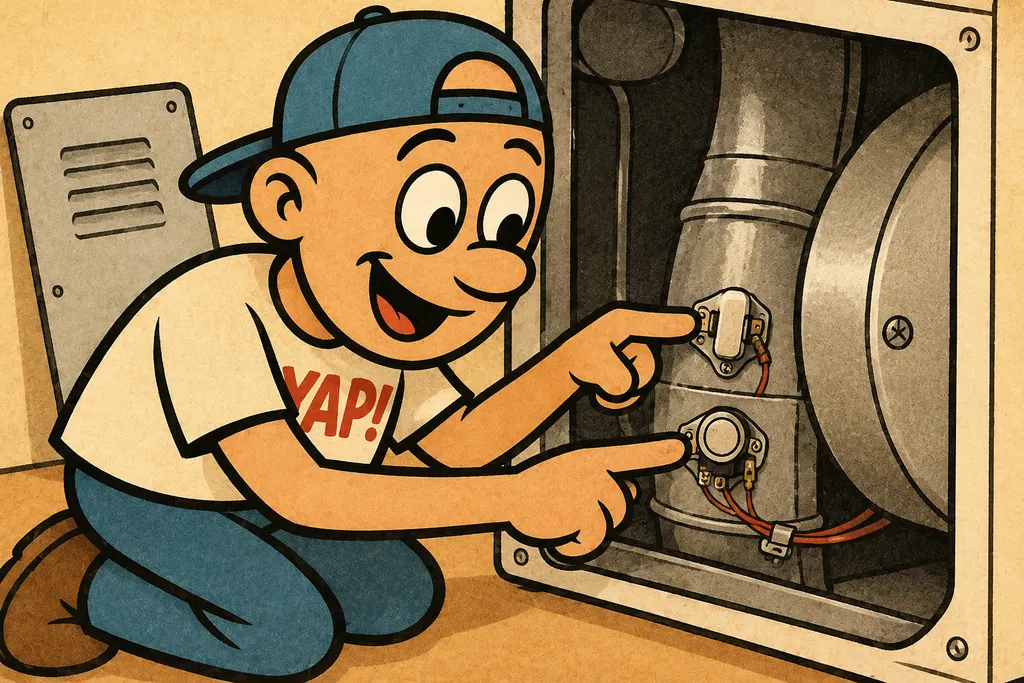
Your dryer has a thermal protection circuit, and it is the unsung hero of your laundry room. Two small components live inside that circuit: a cycling thermostat and a thermal fuse. The thermostat is the manager, it reads the temperature inside the drum and tells the heating element when to kick on and when to back off. It's constantly cycling to keep everything in a safe, efficient heat range.
The thermal fuse is a different animal entirely. It doesn't cycle. It just watches. And the moment temps inside your dryer spike past a safe threshold, from a clogged vent, a failing thermostat, restricted airflow, whatever, it blows open and kills power to the heat circuit permanently. It's your dryer throwing itself on a grenade so your house doesn't. Once it's blown, it doesn't reset. The dryer won't heat again until you replace it.
Here's the part people miss: a blown thermal fuse is almost always a symptom, not the root cause. Something drove the temperature high enough to blow it, usually a clogged exhaust vent, a kinked hose, or a thermostat that stopped cycling correctly. If you only swap the fuse and ignore the thermostat, you might be doing this whole job again in a month. That's exactly why the kit approach is the smart play.
The Fix
The part you want is F982268, which gets you the DE887-18A, a genuine OEM Samsung thermostat and thermal fuse combo kit. Both parts. One shot. Done right.
Here's how the repair goes:
- Unplug the dryer. Non-negotiable. Full stop.
- Pull the dryer away from the wall and remove the rear access panel, usually six to eight Phillips or hex-head screws.
- Snap a photo of the heating element and exhaust duct area before you touch a single wire. You'll thank yourself later.
- Locate the thermal fuse on the exhaust duct near the heating element housing, small, oblong, two wire terminals.
- If you've got a multimeter, test it on continuity. No continuity means confirmed blown fuse. No multimeter? At the price of this kit, just replace both and move on.
- Locate the cycling thermostat nearby, similar size, also two push-on wire connectors.
- Disconnect the wire terminals from both parts by pulling straight off.
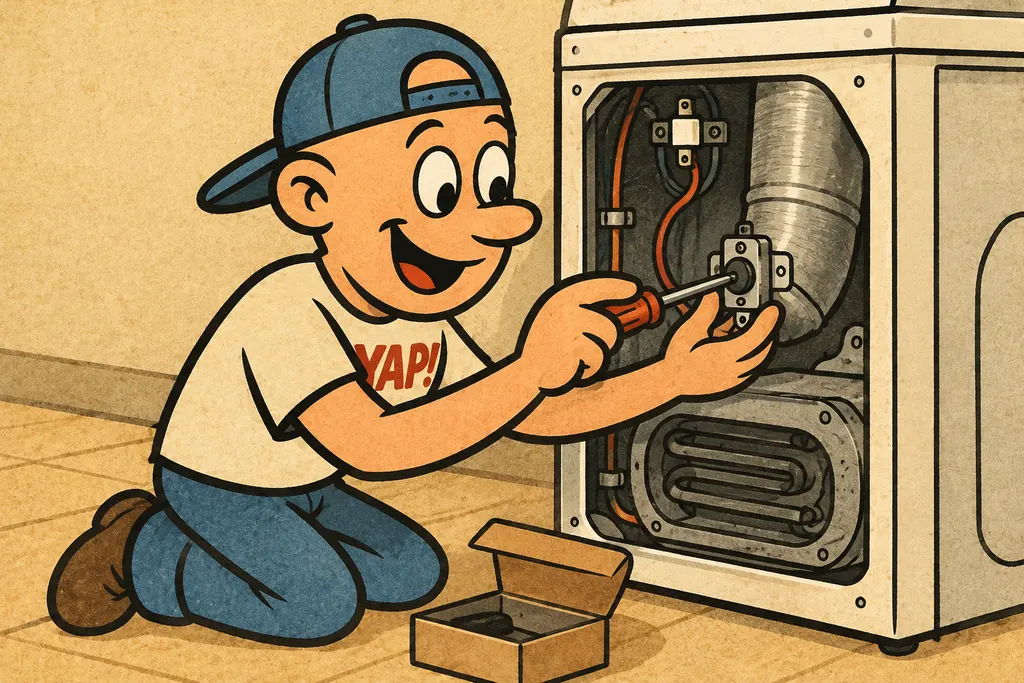
- Remove the mounting screws, swap in the new components from your F982268 kit, and reconnect the wires using your photo as a guide.
- Before you button up the panel, check your exhaust vent hose. If it's the cheap foil accordion type that collapses on itself, replace it with a rigid metal duct right now. Restricted airflow is the number-one reason these fuses blow in the first place, and skipping this step means you're back here next month.
- Reinstall the rear panel, plug it in, and run a short test cycle.
Symptoms that mean this kit is probably your answer:
- Dryer runs but produces zero heat
- Dryer starts then shuts off mid-cycle
- Dryer won't respond to the start button at all
- Clothes come out damp after a full cycle
- No error code, just no heat
When to Call YAP vs. DIY
DIY this one. If you can remove a rear panel and swap two small components with push-on connectors, you've got this. It's genuinely one of the more beginner-friendly dryer repairs out there, and the kit format means you're not guessing which part to order.
Call YAP first if you're not sure which Samsung model you have or whether F982268 is the right fit, text your model number to 405-876-8100 and we'll confirm the part match before you even leave the house.
Don't scrap a perfectly good Samsung dryer over two small components. Grab the F982268, do the 20-minute fix, and get back to actually dry laundry before the next Oklahoma cold front shows up uninvited.
Swing by the Piedmont shop or text 405-876-8100, text ahead and your part will be pulled and waiting at the counter.

Part #F982268, DE887-18A
Text us the part number and your model #, and we'll check stock + price for pickup at the counter in Piedmont. No call centers, no hold music.
Text to order →