Your Samsung dryer is spinning just fine, the timer is counting down, and your clothes are coming out exactly as wet as they went in, because there's zero heat happening in that drum.

What's Actually Going On
The HE error code on a Samsung dryer is the machine's way of telling you the heating circuit has failed. It's not being dramatic, something in that circuit genuinely isn't working, and the most common culprit by a long shot is the heating element assembly itself. The element is a coiled wire that glows hot when current runs through it, and over time those coils fatigue, develop hot spots, and eventually burn through entirely. When that wire breaks, the circuit opens, current stops flowing, and you get cold air and an HE code on the display.
Now, before you just throw a heating element at the problem, it's worth knowing that a blown thermal fuse or a bad high-limit thermostat can produce nearly identical symptoms. The difference is this: if your element burned out because of restricted airflow, a clogged lint trap, a kinked exhaust duct, a bird nest in the vent cap outside, then you've also cooked one or both of those safety thermostats, and replacing only the element means you'll be back here in six months doing this again. Always check your vent path first. Always.
That said, on most Samsung electric dryers, a direct failure of the heating element assembly is the single most common cause of the Samsung dryer no heat complaint. It fails more often than the thermostats, more often than the control board, and more often than anything else in the heat circuit. Start here and you'll be right most of the time.
The Fix
Here's how to knock out a Samsung heating element replacement on most front-load Samsung electric dryers:
- Unplug the dryer. Not negotiable. You're working around a 240-volt circuit.
- Pull the dryer away from the wall and remove the back panel, usually 6-8 Phillips screws around the perimeter.
- The heating element housing is the metal box in the lower-right corner of the back. You'll see wires connected to it and a mounting bracket holding it in place.
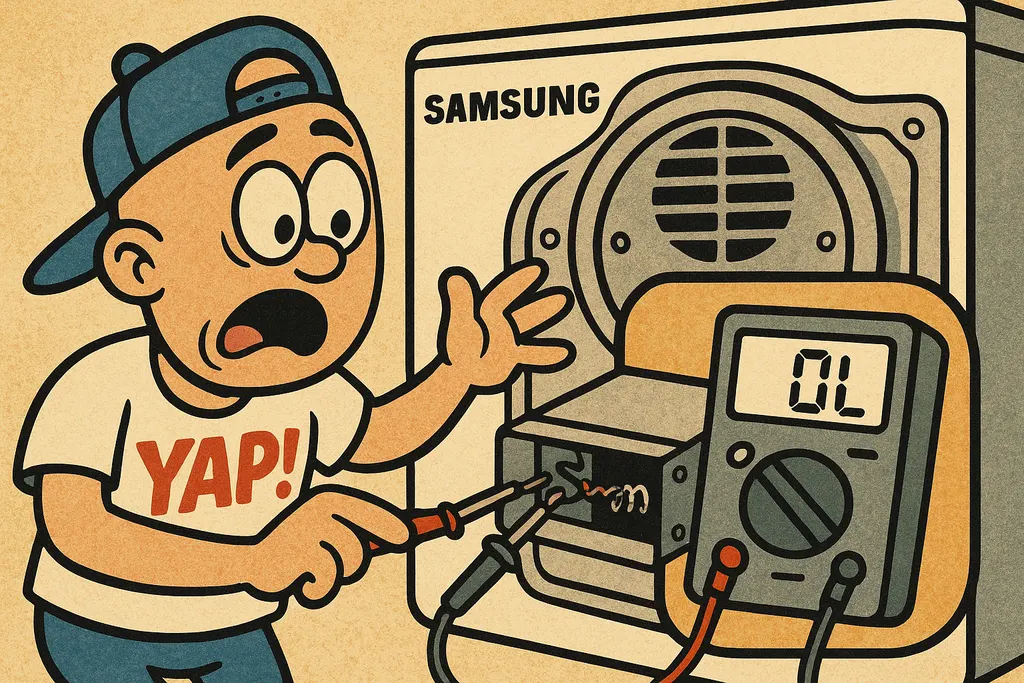
- Set a multimeter to continuity mode and probe the two terminals on the element. No continuity (no beep) = dead element. Confirmed.
- While you're in there, probe the thermal fuse and the high-limit thermostat the same way. Replace anything that's open.
- Disconnect the wiring harness, remove the two or three screws holding the housing, and pull the old assembly out.
- Drop in part DC47-00019A, the Samsung Heating Element Assembly, reconnect the wires, button the back panel up, and plug it back in.
- Run a timed dry cycle on high heat for 10 minutes and confirm the drum is warm.
Part DC47-00019A runs around $25, $45 depending on where you grab it. We keep it on the shelf at YAP in Piedmont, so you're not waiting a week for a shipping box.
When to Call YAP vs DIY
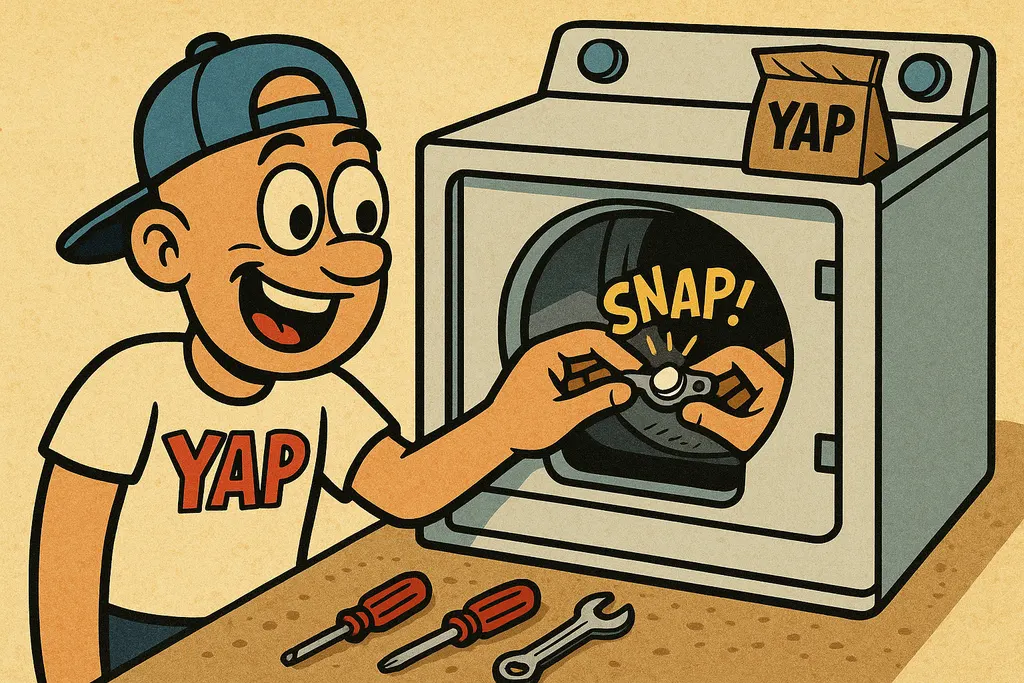
DIY this one. If you can remove a back panel and use a multimeter, you've got the skills. The Samsung dryer HE error and a failed DC47-00019A is about as straightforward as appliance repair gets, an hour of your time, tops.
Call us if you've replaced the element and the HE error is still showing up, or if you're uncomfortable poking around a 240-volt appliance. Sometimes a failed control board or a wiring harness issue is mimicking the heating element problem, and we can help you sort that out before you spend money on parts you don't need.
Swing by the Piedmont shop and we'll pull DC47-00019A off the shelf for you right now, or text us at 405-876-8100 if you want to confirm availability or talk through what your multimeter is telling you. We're here, fam.
Part #DC47-00019A, Heating Element Assembly
Text us the part number and your model #, and we'll check stock + price for pickup at the counter in Piedmont. No call centers, no hold music.
Text to order →