Your KitchenAid oven is flashing F2E1, half the buttons do nothing, and the other half do whatever they feel like, and dinner isn't going to cook itself.

What's Actually Going On
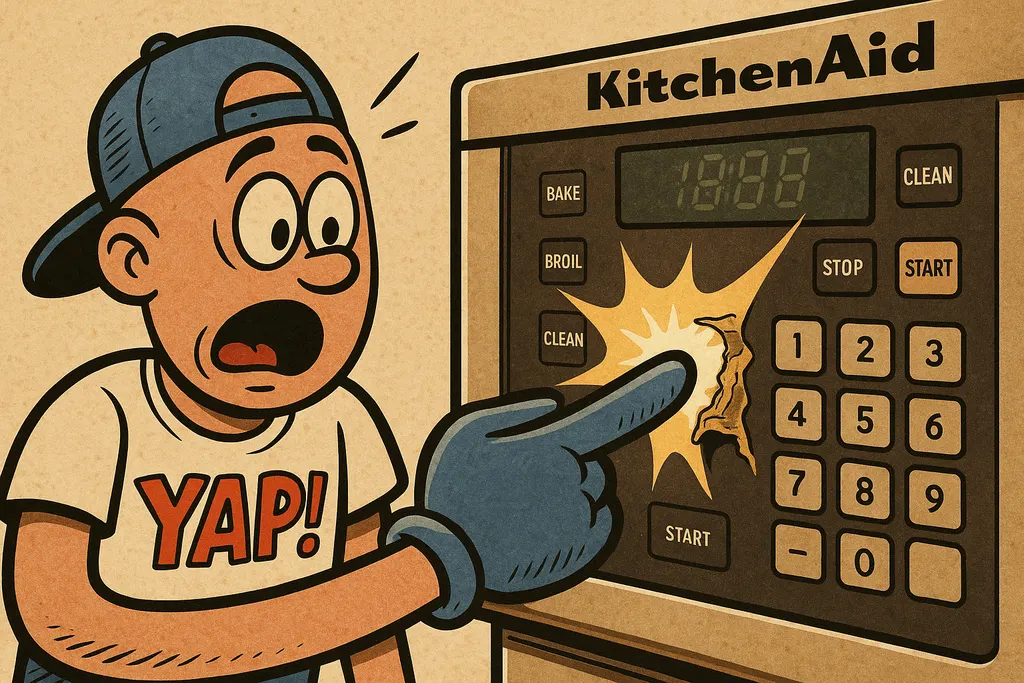
The KitchenAid F2E1 error code is the oven's way of saying there's a stuck or shorted key on the touchpad. "F2" points to a keypad fault, and "E1" narrows it down to a specific stuck key signal being sent to the control board. Translation: the membrane keypad is either physically damaged, has moisture behind it, or has simply worn out from years of greasy fingers and aggressive button-mashing.
Here's where people get confused, they assume the whole electronic control board is shot and start pricing out a full repair or even a new oven. Pump the brakes. The touchpad and the control board are often sold as a combined unit (which is the case here), but the fault almost always originates in the touchpad membrane itself. The control board is usually just an innocent bystander receiving bad signals from a dying keypad.
The other thing worth knowing: F2E1 can sometimes appear temporarily after a power surge or if moisture got behind the panel. Before you buy anything, cut power to the oven at the breaker for 5 minutes and restore it. If the error comes right back, or if keys are genuinely unresponsive or erratic, the touchpad is done and it's not coming back from a reset.
The Fix
This repair is very DIY-friendly. You're looking at a panel swap, not brain surgery. Here's how it goes:
- Cut the power. Flip the breaker. Don't skip this.
- Remove the control panel. On most KitchenAid wall ovens and ranges, there are screws along the top or back of the panel. Remove those and gently pull the panel away from the console.
- Disconnect the ribbon cable and wire harness. Take a photo before you unplug anything, seriously, just do it.
- Install the new touchpad and control panel assembly, part number W10340322. Reconnect the ribbon cable and harness exactly how you found them.
- Reinstall the panel, restore power, and test every key.
The part, W10340322, is a combined touchpad and control panel assembly, so you're swapping the whole front face of the control section. No soldering, no specialty tools. A Phillips screwdriver and maybe a ¼" nut driver and you're done in under 30 minutes.
Pricing on W10340322 moves around a bit, but you're typically looking at somewhere in the $150, $220 range depending on your specific model configuration. Call us at 405-876-8100 and we can confirm it fits your model number before you commit to anything, that's a free 30-second phone call that can save you a headache.

When to Call YAP vs. DIY
DIY this one. If you can unscrew a panel and swap a ribbon cable, you can do this repair. The KitchenAid oven control panel replacement on this unit is genuinely beginner-friendly and the part is straightforward.
Call YAP first if your F2E1 error came back immediately after replacing the touchpad, that's rarer, but it can mean the control board itself has a fault and you'll want to talk through it before ordering more parts.
Bottom line: the KitchenAid F2E1 error is almost always a touchpad issue, W10340322 is the part that fixes it, and it's not a repair you need to pay a tech $300 labor to do for you. Swing by the Piedmont shop and we'll pull the part right off the shelf, or text us at 405-876-8100 and we'll have it ready for pickup.

Part #W10340322, Touchpad and Control Panel
Text us the part number and your model #, and we'll check stock + price for pickup at the counter in Piedmont. No call centers, no hold music.
Text to order →